
FREE SHIPPING ON ALL ORDERS OVER $50.00.
Previous
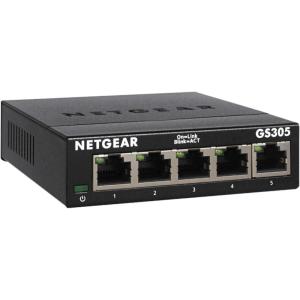
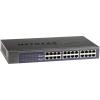
imageNETGEAR ProSafe Plus JGS524Ev2  Switch  Nicht verwaltet5 Port

NETGEAR ProSafe Plus JGS524Ev2 – Switch – Nicht verwaltet(5 Port)

Original price was: $245.99.Current price is: $93.60.
Next

NETGEAR ProSafe Plus JGS524Ev2 – Switch – Nicht verwaltet(8 Port)

Original price was: $245.99.Current price is: $93.60.
imageNETGEAR ProSafe Plus JGS524Ev2  Switch  Nicht verwaltet8 Port
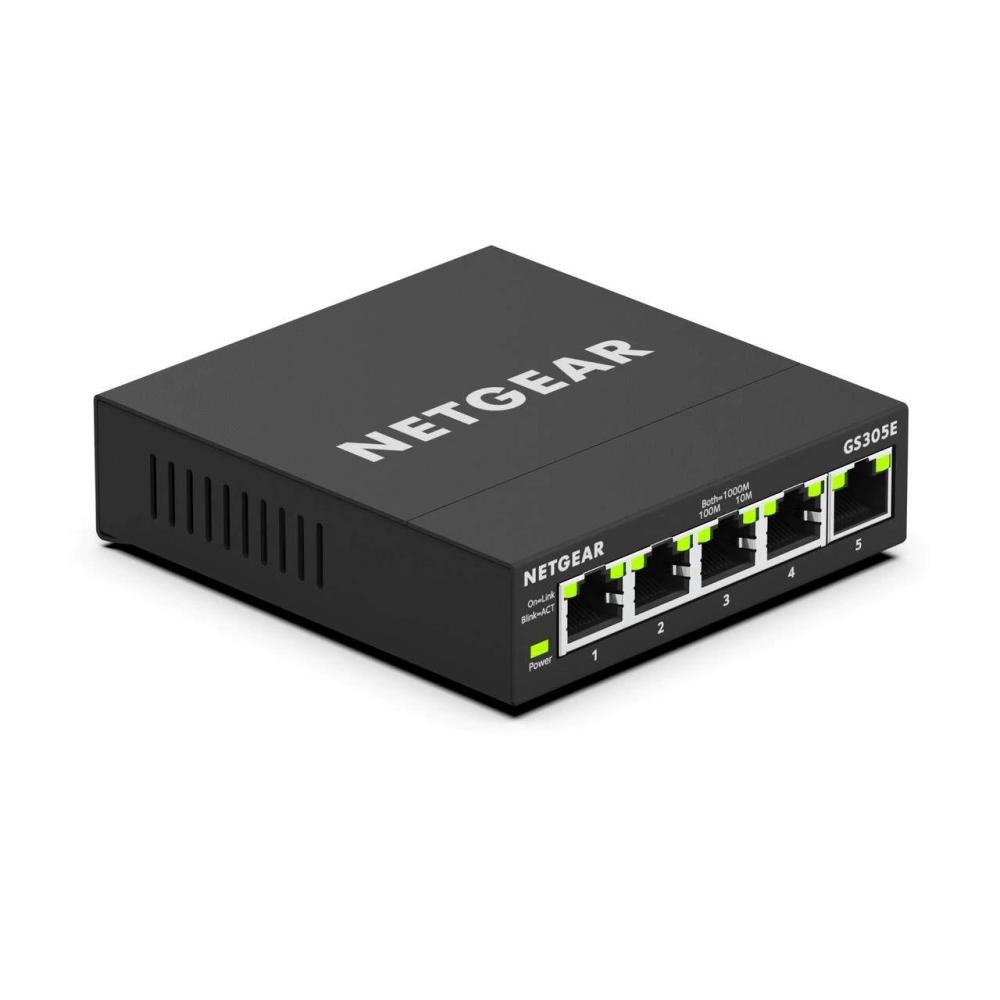
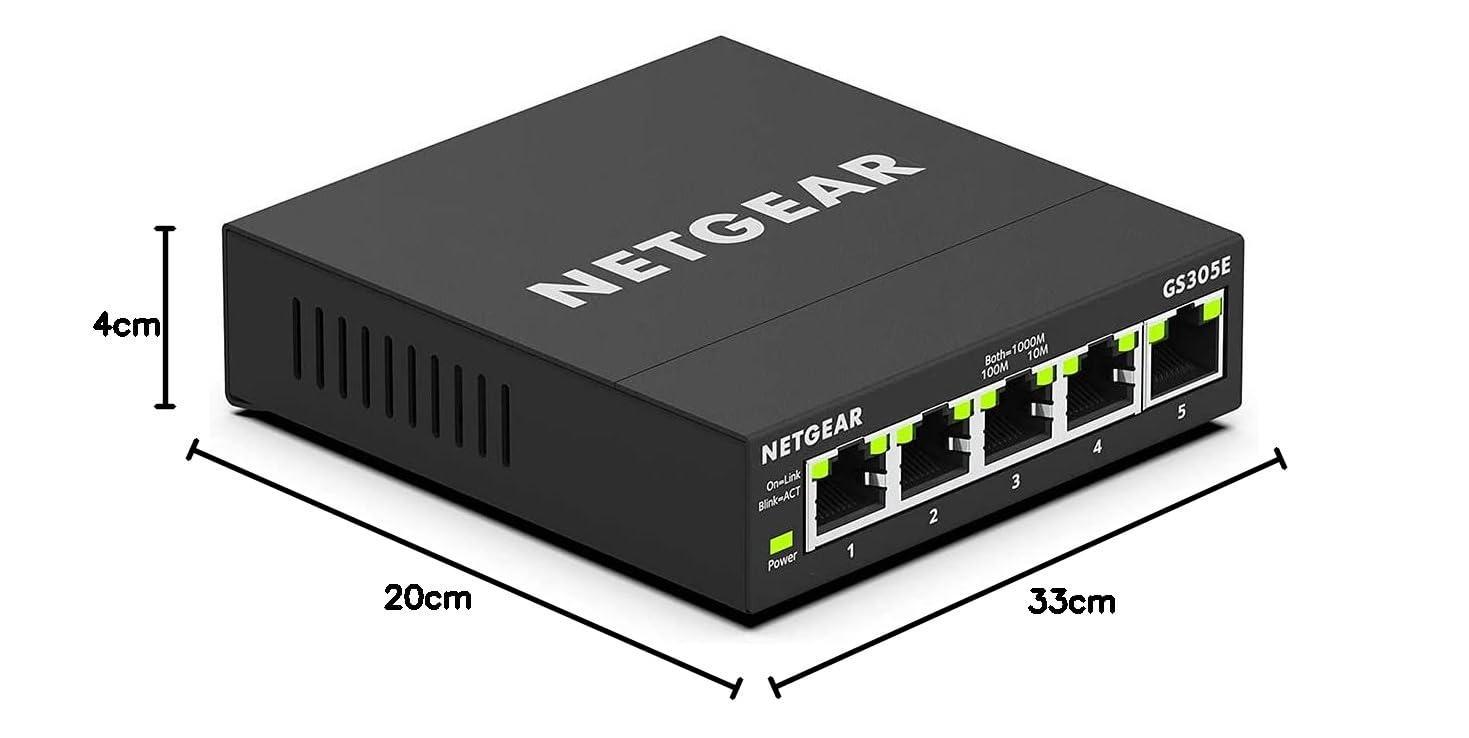
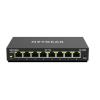
imageNETGEAR ProSafe Plus JGS524Ev2  Switch  Nicht verwaltet5 Port with Enhanced Features

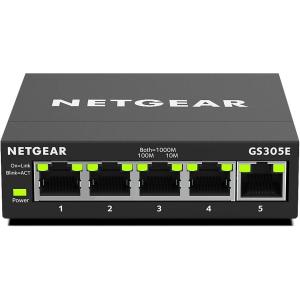
NETGEAR ProSafe Plus JGS524Ev2 - Switch - Nicht verwaltet(5 Port with Enhanced Features)

Original price was: $245.99.Current price is: $93.60.

NETGEAR ProSafe Plus JGS524Ev2 – Switch – Nicht verwaltet(5 Port with Enhanced Features)

Original price was: $245.99.Current price is: $93.60.

Hurry up! Flash Sale Ends Soon!
00
DAYS
00
HOURS
00
MINS
00
SECS
Trust Badge Image

Description

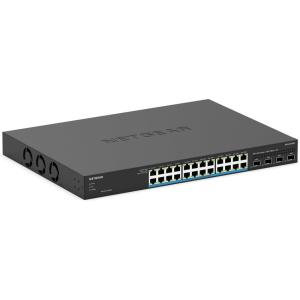
24 Gigabit Ethernet ports
Plus software with easy to use interface offers basic managed capabilities to configure, secure, and monitor your network
Supports desktop or rackmount placement with the necessary mounting hardware in the box
Lifetime Limited Hardware Warranty, Next Business Day Replacement, and 24/7 chat with a NETGEAR expert
Energy efficient design compliant with IEEE802.3az.Silent operation ideal for noise sensitive environment
Product Dimensions ‏ : ‎ 12.99 x 6.81 x 1.69 inches; 3.15 Pounds
Item model number ‏ : ‎ JGS524E-200EUS
Department ‏ : ‎ Default Category
Batteries ‏ : ‎ Unknown batteries required.
Date First Available ‏ : ‎ November 15, 2013
Manufacturer ‏ : ‎ Netgear
Best Sellers Rank: #883 in Computer Networking Switches

Customer Reviews:

4.7 out of 5 stars (5,217)

The NETGEAR JGS524E Smart Managed Plus Switch is designed for desktop or rackmount and features 24-Port Gigabit Ethernet, ProSAFE Lifetime Protection and more. If you have trouble in Netgear operation: Where possible, check if the PD works with another PoE switch, or, where applicable check if the PD powers on using an external power supply. If the PD does not power on from any of these power sources, then the problem is likely with the PD. Check that the Ethernet cabling you are using is of good quality. It should be CAT5e or better. To be certain, try testing with different cabling to that currently in use. In the admin page of the switch, ensure that the port connected to the PD is not administratively disabled. Also, check that the PoE configuration of the port is valid (i.e. that PoE is enabled for the port, and, set to the right standard and power limit, where applicable). For further information, refer to the user manual for your switch. It is possible that specific PoE-related problems may have been addressed in a firmware release. Refer to the product support page for your switch to download the latest firmware and update it. For further information, refer to the user manual for your switch and firmware release notes. This does not apply to unmanaged switches. It is possible that a mis-configuration of the switch may cause problems. Reset the switch to factory default settings. This will erase the current configuration so you should, where necessary, make a configuration backup before completing this step.
Reviews

There are no reviews yet.

Be the first to review “NETGEAR ProSafe Plus JGS524Ev2 – Switch – Nicht verwaltet(5 Port with Enhanced Features)”

Your email address will not be published. Required fields are marked *

Shopping cart

0
image/svg+xml

No products in the cart.

Continue Shopping